
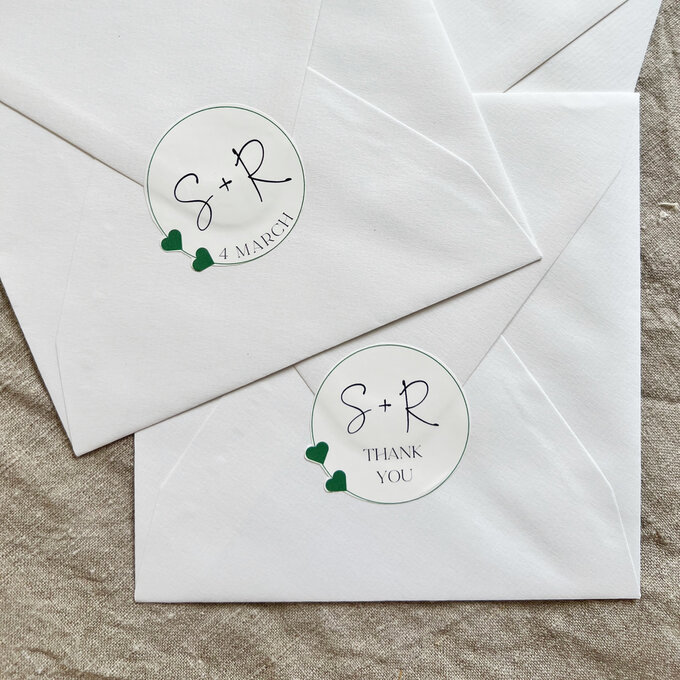
Create personalised wedding stickers with the help of the all new Cricut Joy Xtra! Your design could feature the happy couple’s initials, wedding date and even a QR code to direct guests to download photos.
\r\n\r\n
You will need to use your inkjet printer in conjunction with your Cricut™ machine as this is a ‘Print then Cut’ project.
\r\n\r\nPlease note: This project contains images from Cricut Design Space™. Screen reference images are taken from the Desktop version of Design Space. Tablet & Smartphone images may differ. \r\n\r\n
Project and instructions by Kate Smith
“,”mpn”:”cricut-joy-xtra-how-to-make-personalised-wedding-stickers
Reviews
There are no reviews yet.